 ewsba.se
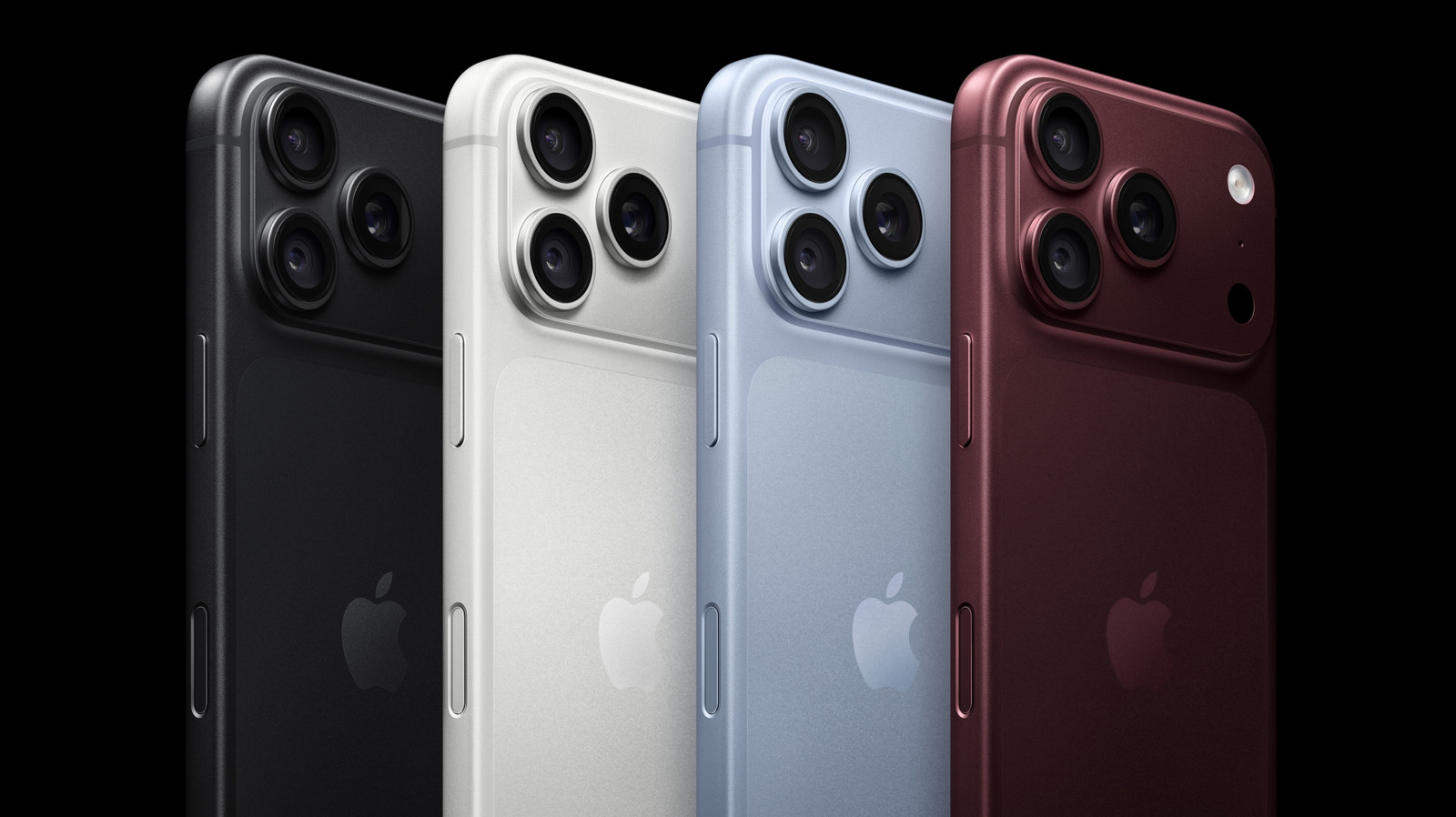
Magnetic accessories can be handy, but make sure they're not interfering with your camera.
Apple continues to up its camera game. This September, Apple debuted its iPhone 18 Pro and Pro Max, a lineup which introduced its most advanced camera system to date. The new 48-megapixel Fusion Main camera comes with variable aperture, low-light sensor and pro controls that render sharper shots for amateurs and professionals alike. But what if I told you that your phone's accessories could ruin these photos outright?
Frequently, your favorite iPhone accessory depends on strong magnets and magnetized metal plates to stick to your phone's casing. Whether you're using a removable grip, car mount, power bank or ring lights, you are potentially placing strong magnetic fields. And while they likely don't affect your phone's internal systems, Apple has found that these magnets interfere with your phone's camera.
This occurs because the rear-facing cameras on your iPhone use image stabilization technologies to prevent blurring and preserve focus. Such lens-position sensors are hypersensitive to magnetic fields and may become disabled when near certain accessories. On its support page, Apple suggests magnetic accessories may cause your camera's images to blur. Other auxiliary factors, such as exposure to high amplitude vibrations, such as those produced by high-powered motorcycles, can also cause lasting damage to these camera sensors.
Your iPhone relies on two magnet-sensitive lens-positioning sensor technologies to stabilize your camera's pictures. The first is known as optical image stabilization, or OIS, which uses a gyroscope to sense the movements of your camera when taking a photo. If you move while taking a photo, your OIS will reduce how much the image blurs by adjusting the lens to match the gyroscope's movements. In doing so, OIS reduces image motion, allowing you to take sharp, crisp images.
The second, known as closed-loop autofocus, prevents gravity and vibrations from causing motion blur through onboard accelerometers, a form of magnetic sensor that measures these outside factors and compensates your camera's lens position. By adjusting its lenses' focus, your iPhone can preserve the sharpness in your videos, panoramas, and camera stills.
Magnets can have a pronounced effect on these photo-correction processes. This is because lens-position sensors are sensitive to the interference cause by strong magnetic fields. If you place a magnet too close to your camera lens, you may notice that its motion sensing becomes less accurate. The range of your camera's lens may also be limited. And while your camera's autofocus and OIS sensors may be disabled, your camera will still be able to take photos using other stabilization methods.
Luckily, the solution to this problem is simple: avoid accessories that place magnetic fields close to your cameras. In particular, Apple warns users to be wary of third-party accessories with strong magnets like latch folio covers or car mounts. When shopping for your next favorite iPhone accessory, consider whether worse picture quality may be an unfortunate tradeoff. Of course, avoiding magnets doesn't guarantee that your camera will work without a hitch, since there may be more underlying issues at work. For a step-by-step guide to troubleshooting your iPhone's camera, visit Apple's support page.